
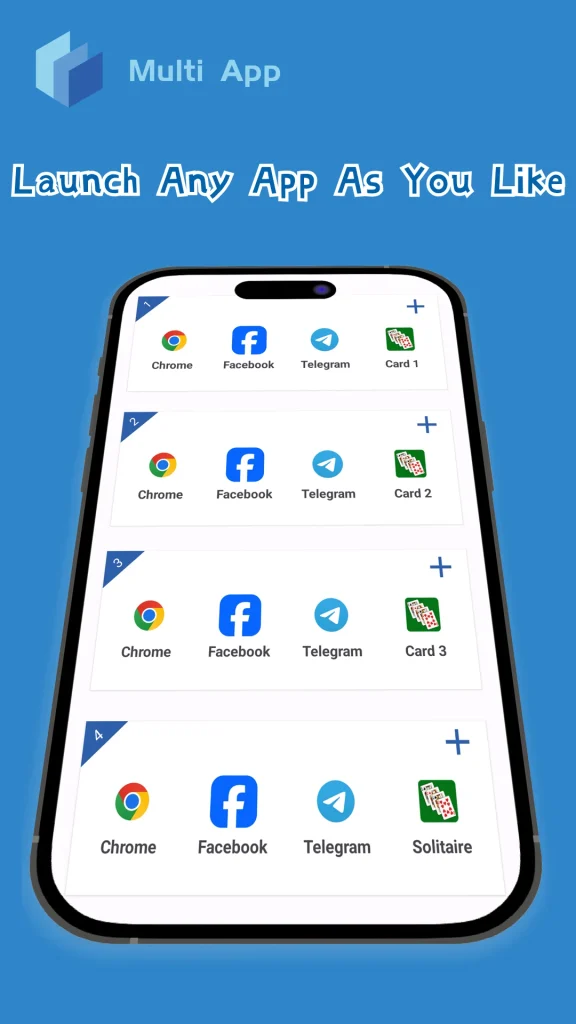
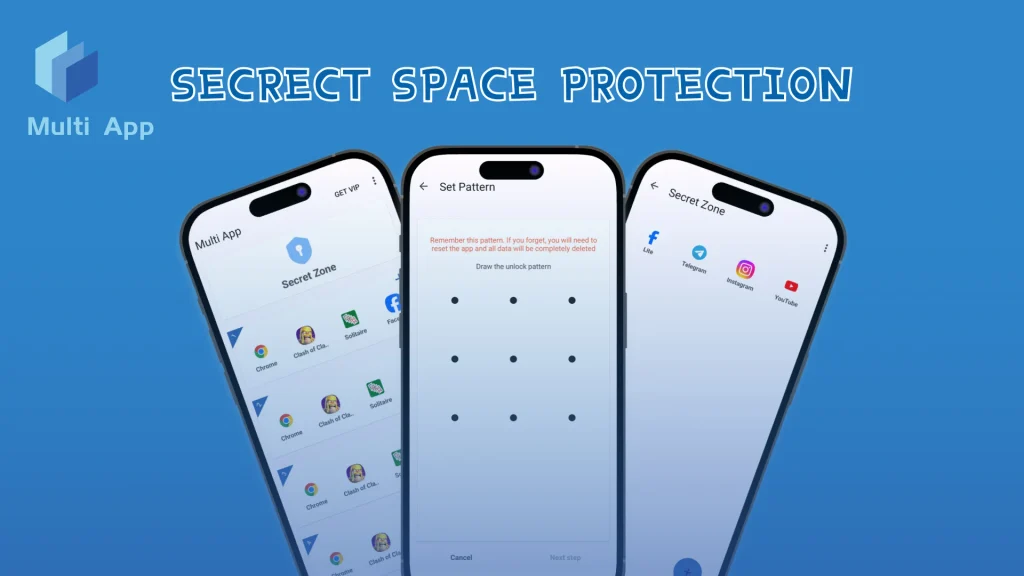
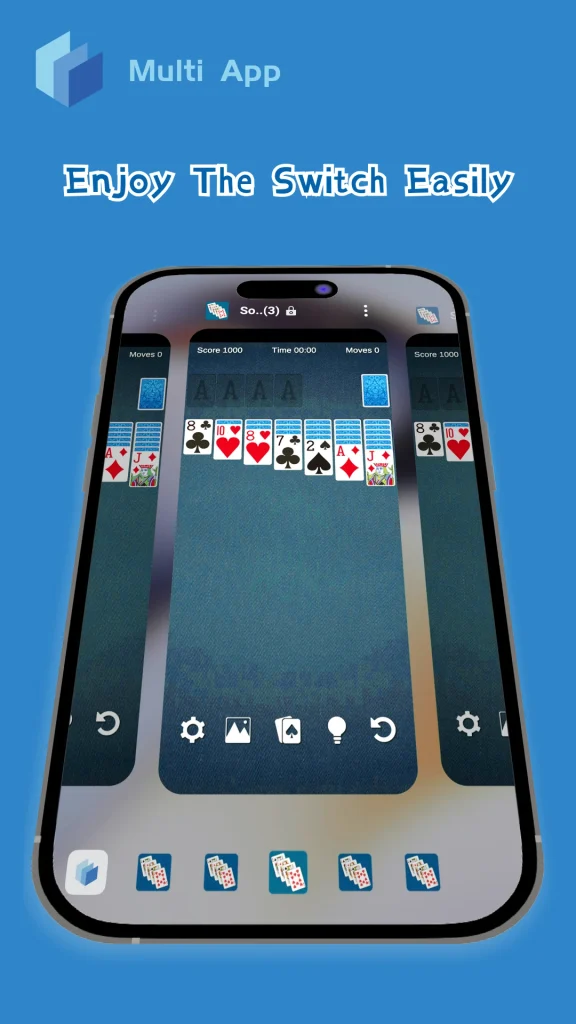
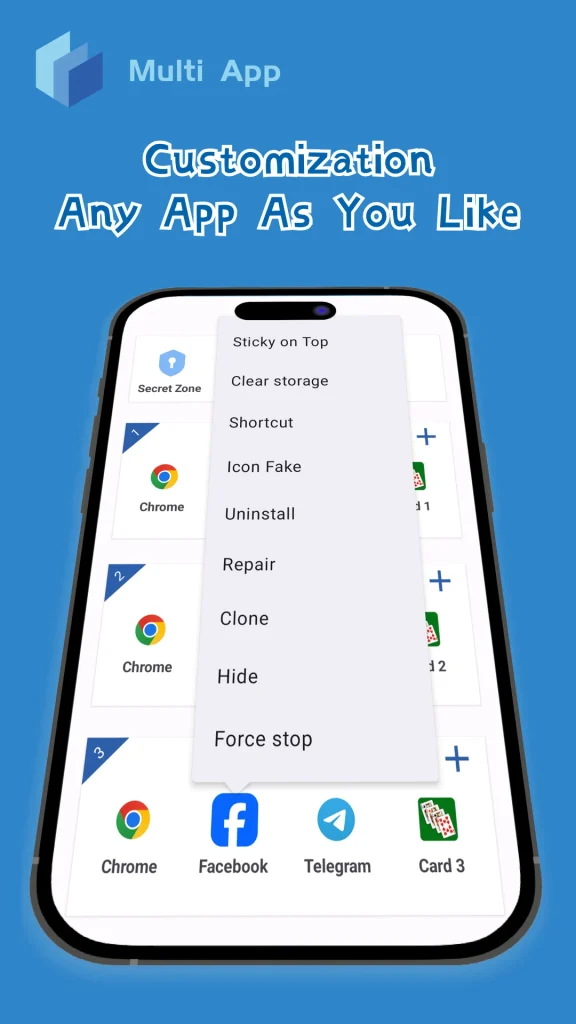
Managing personal and professional accounts on the same phone can become confusing, especially when switching between different social media profiles, messaging apps and work accounts throughout the day. Logging out of one account just to access another wastes time and can interrupt important conversations. A dual-space application offers a practical way to keep multiple accounts accessible on a single device without constantly changing login details. Multi App Mod APK is designed around this everyday requirement.
It allows users to create separate spaces for supported applications so they can access multiple accounts from one smartphone. Whether someone manages a business profile alongside a personal account or wants to keep work-related communication separate, this type of app can make daily phone usage more organised.
Keep Personal and Professional Accounts Separate
Using one account for everything is not always convenient. A small business owner may need one WhatsApp account for customers and another for family conversations. Similarly, someone managing multiple social media pages might prefer separate accounts for personal updates and professional activities.
A dual-space application addresses this requirement by creating an additional environment for supported apps. Instead of repeatedly signing out and signing back in, users can access their different accounts through separate app instances. This arrangement can be particularly helpful for:
- Business owners handling customer enquiries and personal messages.
- Social media managers working with multiple profiles.
- Freelancers communicating with different clients.
- Online sellers managing separate business accounts.
- Individuals who maintain different digital identities for personal and professional activities.
The main advantage is convenience. Users can manage multiple accounts without needing a second smartphone, provided their device and the selected applications support this functionality.
How a Dual Space App Organises Multiple Accounts
A dual-space application creates an additional environment where compatible applications can operate independently. When a user adds a supported application, the tool creates a separate instance that can be configured with another account.
For instance, imagine someone who uses Instagram for personal photography and also manages an account for a clothing business. With an app cloning feature, both profiles can remain accessible without repeatedly changing credentials.
The additional application instance may have its own login session, notifications and account settings. However, the exact behaviour depends on the dual-space provider, Android version and permissions granted to the application.
Users should understand that app cloning does not automatically create a second phone number, email address or social media account. A separate account must already exist or be registered according to the original platform’s requirements.
Everyday Situations Where Multiple App Cloning Helps
The usefulness of a multi-account tool becomes clearer when viewed through everyday activities.
- Social media management: Content creators and marketing professionals often handle multiple profiles. Separate app instances can help them switch between accounts without disturbing their primary login sessions.
- Business communication: Shop owners, consultants and service providers may want to maintain different accounts for customer support and personal conversations. Keeping these profiles separate can make communication easier to organise.
- Online shopping: Some users maintain different accounts for personal purchases and household shopping. Cloned applications may help them access supported accounts independently.
- Gaming accounts: Players who maintain multiple profiles in compatible games may find app cloning useful. However, game policies can restrict multiple accounts or cloned environments, so checking the platform’s rules is necessary.
- Freelancing and remote work: Professionals working with several clients may use separate supported applications to manage different communication accounts. This can reduce the need to switch between login sessions during busy working hours.
Features Worth Checking Before Installing
Not every dual-space application offers the same capabilities. Before selecting one, users should examine its actual features rather than relying only on its name or promotional screenshots.
Support for Compatible Applications
Application compatibility should be the first consideration. Some cloning tools support popular messaging and social networking platforms, while others have limitations with particular apps. Check whether the applications you regularly use can run inside the additional space.
Independent Notifications
Notifications are important when managing more than one account. A useful cloning application should make it reasonably clear which account has received a message or update. Notification delivery can still depend on background activity, battery optimisation and device permissions.
Simple Account Switching
The interface should make it easy to identify and open different application instances. Complicated navigation can defeat the purpose of installing a tool intended to save time.
Privacy and Permission Controls
A dual-space tool may request access to notifications, storage, contacts or other device functions. Review these requests carefully and consider whether each permission is necessary for the features you want to use.
Device Performance
Running additional application instances requires system resources. Phones with limited memory or storage may experience slower performance, increased battery consumption or delayed notifications when several cloned apps operate simultaneously.
Does a Dual Space App Affect Privacy and Security?
Privacy deserves attention because cloned applications can handle account credentials, messages and personal information. A separate application space does not automatically guarantee complete data isolation or stronger security.
Before installing any multi-account utility, check its developer information, privacy policy, recent update history and user feedback. Download applications from trusted sources such as Google Play whenever possible. Users should also follow a few basic precautions:
- Avoid entering sensitive information into unfamiliar cloning applications.
- Use strong and unique passwords for different accounts.
- Enable two-factor authentication wherever available.
- Review the permissions requested during installation.
- Avoid granting unnecessary access to contacts, files or notifications.
- Check whether the original application’s terms allow account duplication.
It is also worth remembering that a cloned application may not support every feature available in its original version. Banking applications, payment services and certain security-sensitive platforms may block cloned environments or refuse to operate within them. You can also download CapCut Mod APK.
Common Problems and Ways to Handle Them
Even a properly configured dual-space application may occasionally behave differently from a standard installation.
Delayed notifications: Battery-saving settings can restrict background activity. Reviewing the phone’s battery optimisation settings may help, although unrestricted background access can increase battery usage.
Login difficulties: Some applications detect cloned environments or require additional verification. Follow the original platform’s authentication process rather than using unofficial workarounds.
Storage limitations: Every additional application instance may consume storage for its own files and cached information. Remove unnecessary clones and clear temporary data when appropriate.
Account restrictions: Certain services limit multiple accounts or prohibit specific forms of application duplication. Read their usage policies before creating additional instances.
Is Multi App Mod APK Worth Considering?
For people who regularly manage different digital accounts, a dual-space utility can offer a convenient alternative to carrying multiple smartphones. It is particularly useful when personal communication, professional responsibilities and social media activities need separate account access.
However, the right choice depends on application compatibility, device performance, privacy practices and the restrictions imposed by the original platforms. Users who only need to manage two accounts may also find built-in dual-app features available on some Android smartphones sufficient.
The practical approach is to identify which accounts genuinely need separation, check whether the desired applications are supported and review the tool’s permissions before installation. A well-chosen multi-account application should simplify everyday account management without introducing unnecessary security or performance concerns.